
Best General Ledger Software in 2026: Features, Pricing, and What Accountants Actually Need


Key Takeaways
- Most general ledger software records transactions fine but still leaves you doing categorization, reconciliation, and accruals by hand.
- QuickBooks is the default for US-based clients. The real question is what you layer on top of it.
- You don't need a new ledger. You need automation that removes the manual work from the one you already use.
- The right GL setup should cut your time per client from 6 to 8 hours to under 2. If it doesn't, something's wrong.
General ledger software records every financial transaction a business makes. It's single source of truth for debits, credits, revenue, expenses, assets, and liabilities. Every financial statement you produce for a client starts here.
What is general ledger software? A general ledger (GL) is master record of all financial transactions in a business. General ledger software automates that record-keeping. It handles transaction recording, chart of accounts organization, bank reconciliation, financial reporting, and audit trails so you spend less time on data entry and more time on work that actually pays.
But here's what definitions leave out: most general ledger software still requires you to do heavy lifting. You categorize transactions by hand. You reconcile line by line. You build accrual entries from scratch every month. The software holds data. Whether it also does work depends on which tool you pick and what you layer on top of it.
If you already use QuickBooks and want to automate your bookkeeping workflow, GL layer you choose matters even more than base software.
I will compares 7 general ledger software tools with real G2 ratings, actual pricing, honest pros and cons, and a simple breakdown of what each one does well and where it falls short.
What to look for in general ledger software
Before comparing tools, you need to know what separates good general ledger software from software that just creates more manual work. Six things matter most for accountants and CPA firms.
Transaction automation. This is where biggest gap shows up. Some GL tools auto-categorize transactions using AI or rules. Others dump raw bank feeds into your lap and expect you to sort them one by one. If you manage 20+ clients, this single feature decides whether you spend your week on bookkeeping or on advisory work.
Bank reconciliation. Matching bank statements against ledger records should happen automatically. If your GL software makes you export to Excel and cross-reference by hand, it's adding work, not removing it.
Financial reporting. Real-time balance sheets, P&L statements, and cash flow reports should update as transactions post. If you're waiting until month-end to see where a client stands, your reporting is already behind.
Multi client or multi-entity support. Accountants managing multiple clients need a single dashboard to switch between books without logging into separate accounts. This alone saves 30 to 60 minutes per day.
Integration with existing tools. Does software sync with QuickBooks or Xero, or does it force a full migration? For most accounting firms, migration kills deal. The smarter tools work with what your clients already use.
Audit trail and compliance. Every transaction, edit, and adjustment needs to be logged with a timestamp and user ID. You can't skip this for tax filing, audits, or client trust.
7 best general ledger software compared
1. Finlens
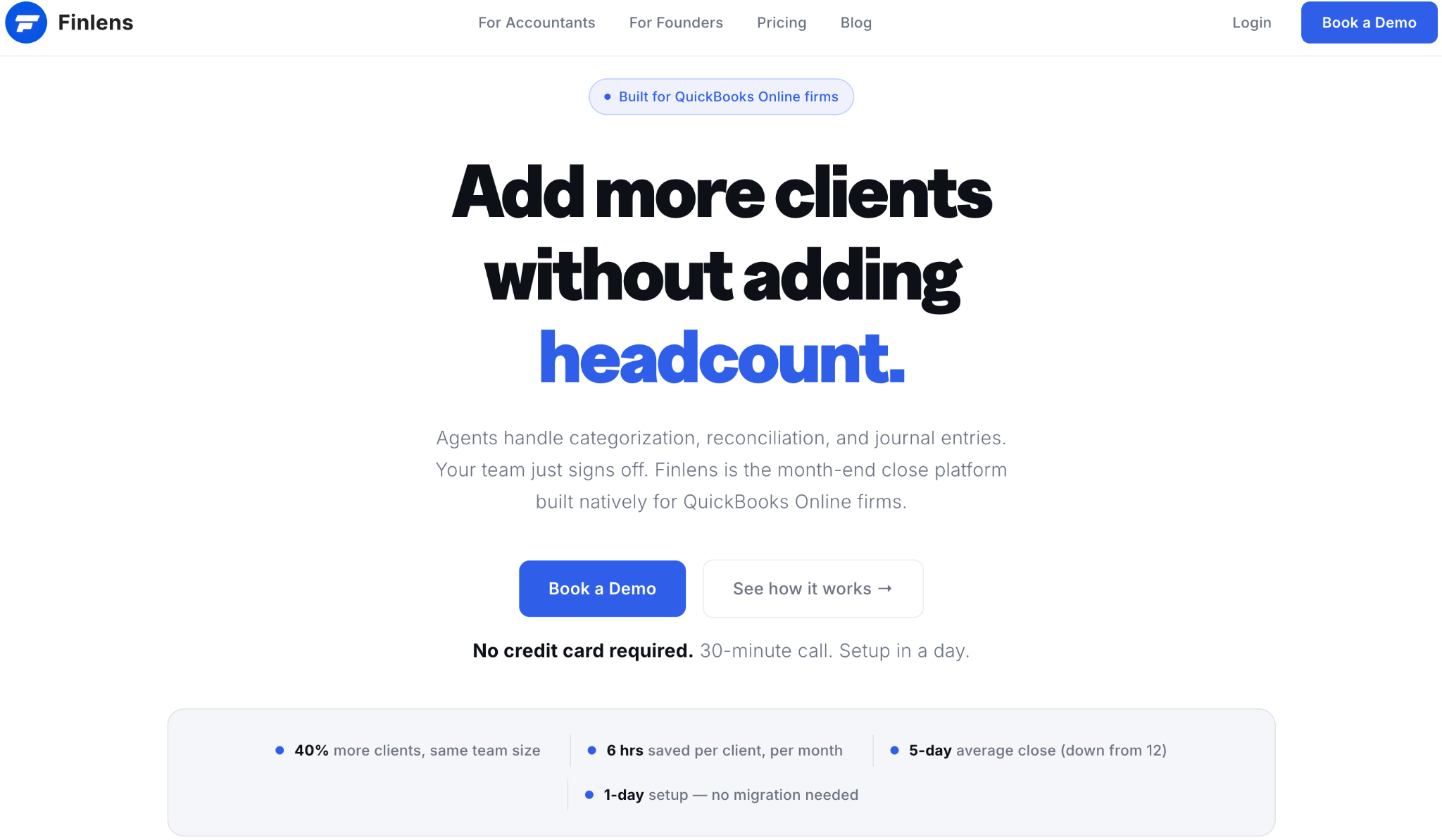
What it is: Finlens is an AI-powered accounting co-pilot built for accountants and CPA firms. It doesn't replace QuickBooks. It sits on top of QuickBooks Online and automates categorization, reconciliation, accrual scheduling, receipt matching, and reporting while QBO stays as system of record. Everything syncs both ways.
Pricing: $30 per client per month. All features included. No tiers, no per-user charges, no add-ons.
Best for: CPA firms and accountants managing 10 to 50+ clients on QuickBooks Online who want to cut manual bookkeeping time by 70 to 80 percent without migrating anyone off QBO.
GL strengths: AI categorization handles first pass on every transaction and learns from your corrections over time. You always get final say through human-in-the-loop review. Two-way QuickBooks sync keeps everything current. New client onboarding is fast because it ships with a default chart of accounts that works out of box. Bank connections cover 12,000+ institutions through Plaid. Accrual schedules generate journal entries automatically on a recurring basis. Receipts forwarded by email get matched to expenses through AI document recognition. P&L, balance sheet, and cash flow statements update in real time. The multi-client dashboard shows all clients, open items, and deadlines in one place. Month-end close task management tracks progress per team member with built-in timers.
GL limitations: It's built for QuickBooks users only. If your clients are on Xero, NetSuite, or Sage Intacct, it doesn't apply. It's a newer platform compared to established players, so it doesn't have same review volume yet. And it's not a standalone ERP. It doesn't replace QuickBooks for companies that need full AP/AR, payroll, or invoicing in a single system.
The accountant's take: Finlens answers a question other tools on this list don't: "How do I make QuickBooks do more of work for me without ripping it out and starting over?" If your bottleneck is categorization, reconciliation, and month-end close time, and your clients are already on QBO, this targets that exact problem. The claim is that one bookkeeper can manage 300+ businesses with AI-powered automation. At $30 per client per month flat, ROI math is simple: if it saves you 4+ hours per client, it pays for itself several times over.
See how accountants are using automation to increase firm capacity by 50% without hiring.
2. QuickBooks Online
What it is: QuickBooks Online is most widely used small business accounting platform in US. It includes a built-in general ledger, AP/AR, invoicing, bank feeds, and payroll. Intuit also offers QuickBooks Online Accountant (QBOA) as a practice management layer and QuickBooks Ledger as a cheaper option for simpler client files.
G2 rating: 4.0 out of 5 (3,600+ reviews)
Pricing: Simple Start at $38/mo. Essentials at $65/mo. Plus at $99/mo. Advanced at $235/mo. QuickBooks Ledger (accountant-only, billed to firm) at $10 per client per month.
Best for: Service-based small businesses under 25 employees. Accountants managing simpler client files. Firms that need widest app marketplace available.
GL strengths: QuickBooks has largest app marketplace of any small business accounting tool, with 750+ integrations. Bank feeds are automated. Rule-based categorization lets you set recurring transaction rules. QBOA gives accountants a centralized portal for all client files. And adoption rate means most clients your firm takes on will already be using QBO.
GL limitations: Transaction categorization is still mostly manual for complex clients. There's no AI categorization built in. Multi-entity support is weak. If a client has two LLCs and a holding company, QuickBooks doesn't consolidate them cleanly. Reconciliation requires hands-on work, and for firms managing 20+ clients, that time compounds fast. Reporting is basic compared to mid-market platforms.
The accountant's take: QuickBooks is necessary but it isn't enough on its own. It holds data well and your clients are already on it. But if you're spending 4 to 10 hours per client per month on manual categorization and reconciliation inside QBO, problem isn't QuickBooks. The problem is that nothing is automating repetitive work on top of it.
For firms hitting this wall, these QuickBooks automation tools fix most common bottlenecks.
3. Xero
What it is: Xero is a cloud accounting platform that started in New Zealand and is widely used across Australia, UK, and parts of Europe. It's growing in US but still trails QuickBooks in market share. The biggest draw is unlimited user licensing on all plans.
G2 rating: 4.3 out of 5 (670+ reviews)
Pricing: Early plan at $20/mo (limited to 20 invoices and 5 bills per month). Growing plan at $55/mo. Established plan at $90/mo.
Best for: Small businesses with 5 to 50 employees that need multi-user access without paying per seat. Firms with international clients, especially in UK or Australia.
GL strengths: Unlimited users on every plan is a real plus for firms where multiple team members touch same client file. Xero has over 1,000 third-party integrations. Bank reconciliation works well and interface is easy to navigate. The accountant partner program has decent multi-client management tools.
GL limitations: Reporting isn't as deep as Sage Intacct or NetSuite. US adoption is well behind QuickBooks, which means fewer of your incoming clients will already be on Xero. Inventory and project tracking are basic. There's no AI transaction categorization.
The accountant's take: Xero works well if your client base is international or if multi-user access without per-seat pricing matters to you. But for US-based CPA firms, reality is that most of your clients already use QuickBooks. Convincing them to switch to Xero creates friction that rarely pays off unless there's a specific feature gap you need to fill.
4. Sage Intacct
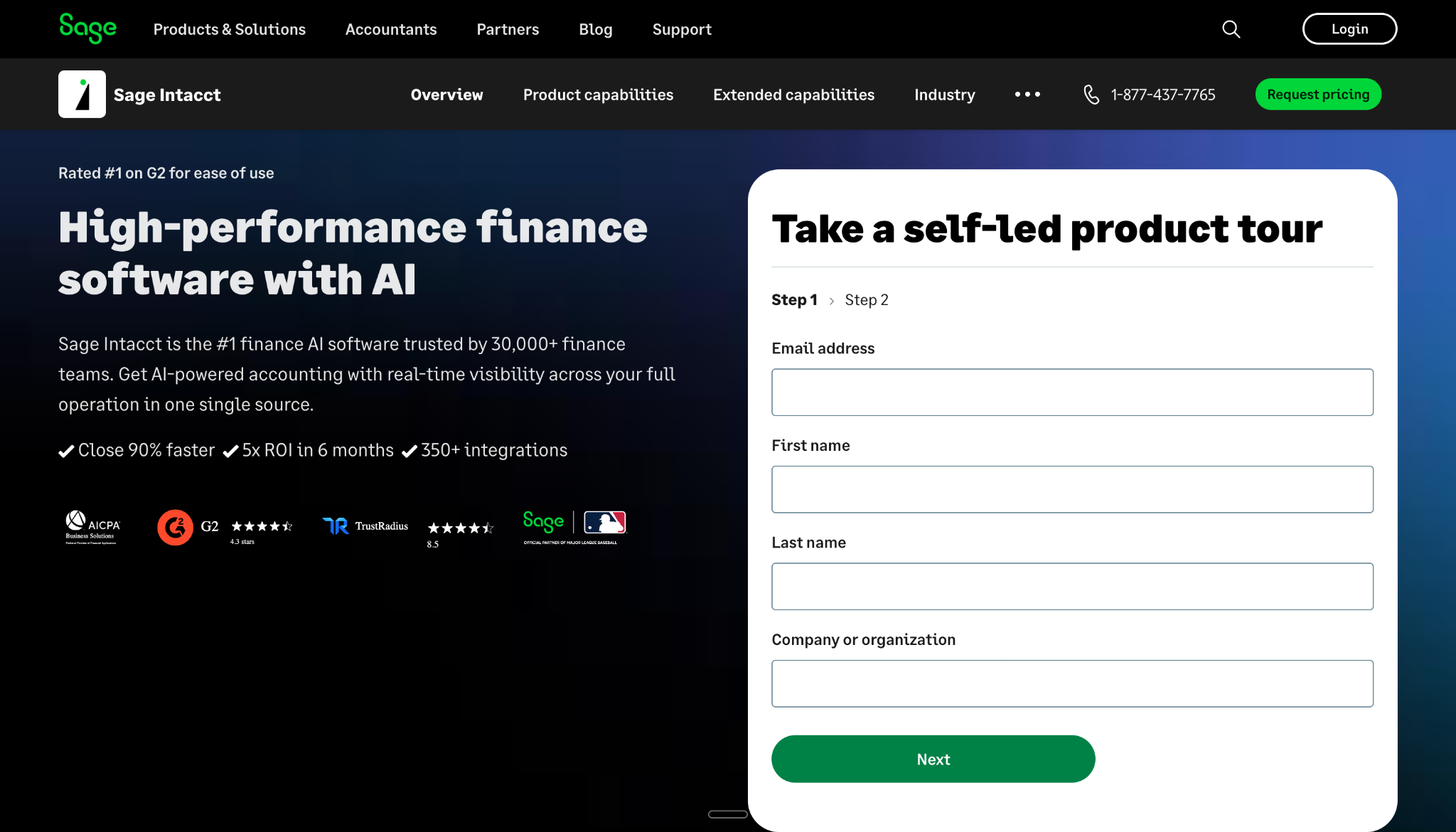
What it is: Sage Intacct is a cloud accounting platform built for mid-market organizations. It has an AICPA endorsement and is known for dimensional reporting, multi-entity consolidation, and compliance tools. Sage calls its GL module "Intelligent GL" and has added AI features for outlier detection and continuous close.
G2 rating: 4.3 out of 5 (4,100+ reviews)
Pricing: Starts around $400/mo with custom quotes based on modules, users, and entity count. Enterprise setups can run past $100,000 per year. Pricing isn't listed publicly, which is a frequent complaint.
Best for: Nonprofits, subscription businesses, professional services firms, and companies with $10M+ in annual revenue that need multi-entity reporting and dimensional analysis.
GL strengths: Dimensional reporting is thing that sets it apart. You can track financial data by department, project, location, and custom dimensions without bloating your chart of accounts. AI-powered outlier detection flags unusual transactions on its own. Real-time continuous close means you don't have to wait until period-end for accurate financials. Multi-entity consolidation handles intercompany transactions and eliminations well. Compliance support covers ASC 606, ASC 842, and SOX. The AICPA endorsement carries weight with audit firms.
GL limitations: The learning curve for advanced features is steep. Pricing is opaque, and several G2 and Reddit users have reported quotes that were hard to break down or negotiate. Some reviewers say GL data entry feels clunky and that support can be slow on complex issues. Implementation takes at least 6 to 8 weeks for mid-sized companies. For small businesses or CPA firms with simple client books, Sage Intacct is more than you need in both complexity and cost.
The accountant's take: If your clients are mid-market organizations with multi-entity structures and complex reporting, Sage Intacct is best tool on this list for that job. Dimensional reporting alone justifies cost for right use case. But for CPA firms managing 20 to 50 small business clients on QuickBooks, it solves a different problem at a much higher price point. It's built for controllers at growing companies, not for accounting firms scaling client volume.
5. Oracle NetSuite
What it is: NetSuite is a full cloud ERP owned by Oracle. It includes a general ledger alongside CRM, inventory management, HR, and e-commerce modules. It's built for enterprise organizations and is one of most widely deployed ERPs in world.
G2 rating: 4.1 out of 5 (4,400+ reviews)
Pricing: Base subscription at $999/mo plus $99 per user. Implementation costs vary by complexity and often land between $50,000 and $150,000+.
Best for: Enterprise organizations with $10M+ in annual revenue, multi-entity structures, and global operations that require multi-currency and multi-subsidiary consolidation.
GL strengths: NetSuite handles global consolidation across subsidiaries, currencies, and tax jurisdictions better than almost anything else on market. Customization goes deep, though it often needs SuiteScript development or outside consultants. Finance, inventory, CRM, and HR all live in one system, which cuts out data silos. Audit trails are thorough. It handles high transaction volumes without slowing down.
GL limitations: It's expensive. Implementation takes months, not weeks. The learning curve is one of steepest here. Customization power comes at cost of complexity, and many organizations end up hiring consultants for changes that should be simple. For small businesses or accounting firms managing SMB clients, it's far more software than you'll ever use.
The accountant's take: NetSuite is for companies that have outgrown mid-market tools entirely. If your clients run multi-million dollar operations across multiple countries with complex intercompany transactions, NetSuite handles that. For everyone else, cost, complexity, and implementation timeline don't make sense.
6. Zoho Books
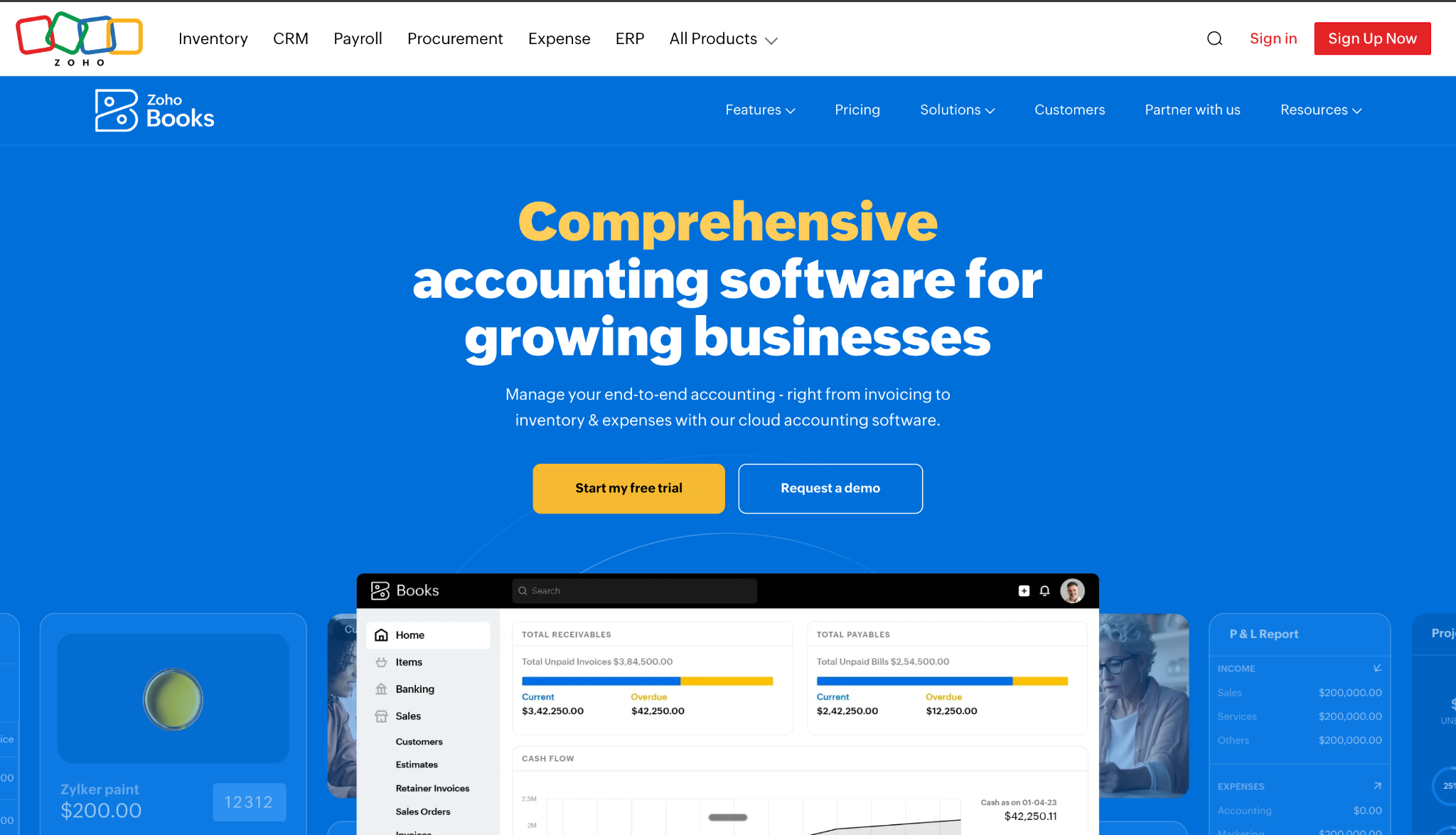
What it is: Zoho Books is an affordable cloud accounting tool. It's part of Zoho product family, which includes CRM, project management, inventory, and 40+ other business apps. It's popular internationally and among businesses already using other Zoho products.
G2 rating: 4.5 out of 5 (700+ reviews)
Pricing: Free plan available for businesses under $50K annual revenue. Standard at $15/mo. Professional at $40/mo. Premium at $60/mo.
Best for: International small businesses, startups watching their budget, and companies already using Zoho CRM or other Zoho products.
GL strengths: The pricing is hard to beat. You get double-entry bookkeeping, invoicing, expense tracking, bank reconciliation, multi-currency support, and inventory management for a fraction of what QuickBooks or Xero cost. The free plan actually works for micro-businesses. It connects well with other Zoho products, especially Zoho CRM and Zoho Inventory.
GL limitations: Almost no US accounting firms use it. Bank feed quality in US isn't as reliable as QuickBooks. It doesn't have advanced automation for high-volume transaction categorization. It's not built for accountants managing multiple client books from one interface. And if your clients aren't already in Zoho world, getting them onto Zoho Books creates friction that isn't worth it.
The accountant's take: Zoho Books is great for international clients or businesses that already run on Zoho CRM. But for US-based CPA firms, math is simple: your clients are almost certainly on QuickBooks. Zoho Books solves a pricing problem, but it doesn't solve workflow problem that actually eats your time.
7. FreshBooks
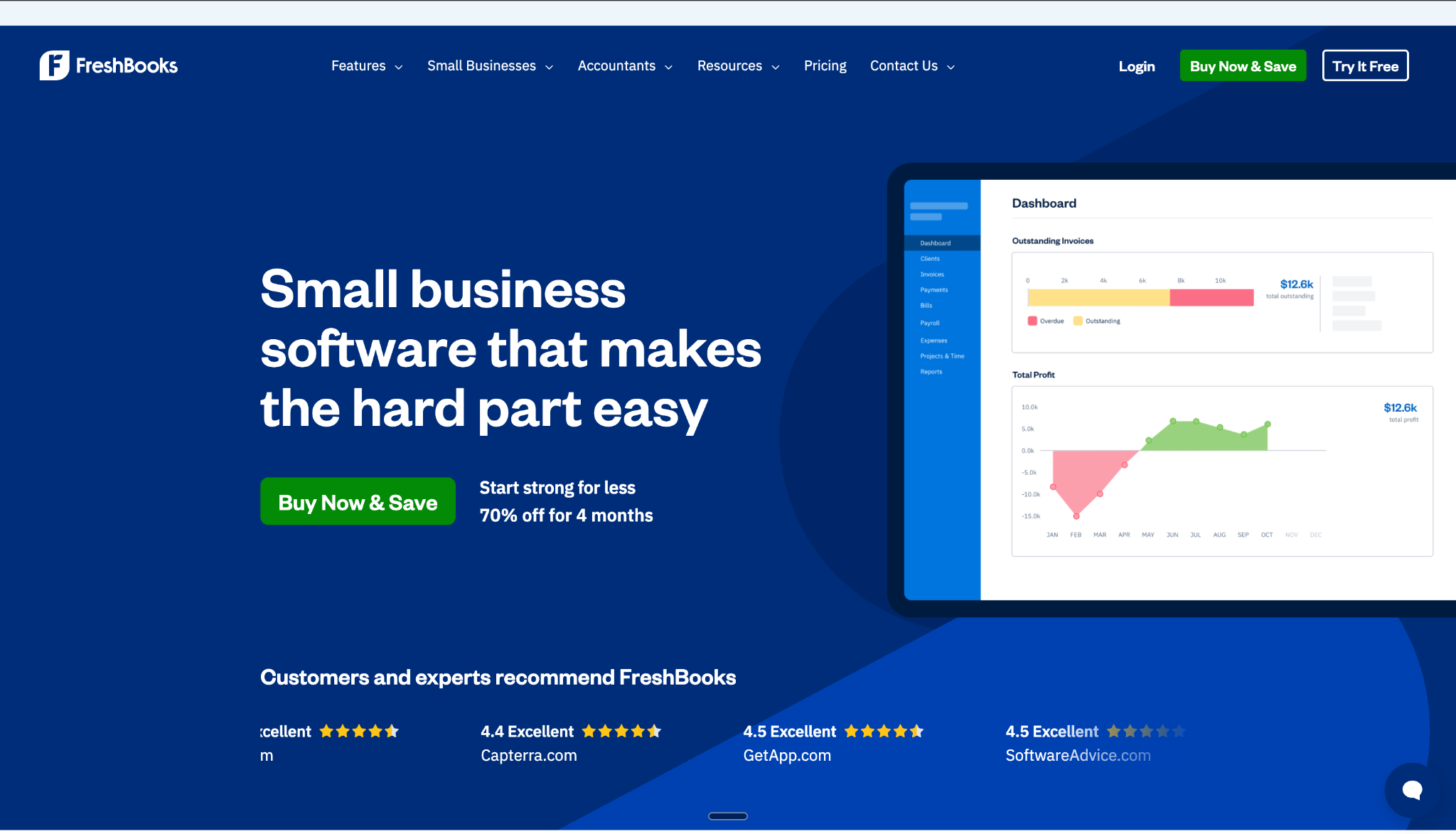
What it is: FreshBooks started as an invoicing tool for freelancers and has since added full double-entry accounting. It still leans heavily toward invoicing, time tracking, and client billing, with basic general ledger features built on top.
G2 rating: 4.5 out of 5 (960+ reviews)
Pricing: Lite at $10.50/mo. Plus at $19/mo. Premium at $32.50/mo. All plans come with a 30-day free trial.
Best for: Freelancers, solo consultants, and service businesses under 10 employees where invoicing and getting paid are main priorities.
GL strengths: FreshBooks is very easy to use. Invoicing is one of best parts: professional templates, online payment acceptance, and automated payment reminders that actually help reduce late payments. Time tracking is built in, which helps for project-based billing. Receipt capture works well for expense tracking. For someone who just needs to send invoices, track expenses, and pull a basic P&L at tax time, it does job without overcomplicating things.
GL limitations: The general ledger itself is basic compared to QuickBooks, Xero, or any mid-market tool. Reporting options are limited. There's no multi-entity support. Bank feed reconciliation is simpler than what full GL systems offer. It's not built for accountants managing client books. It's built for client who wants to handle their own invoicing without knowing much about accounting.
The accountant's take: FreshBooks is a client-facing invoicing tool, not a GL platform for accountants. If your client is a solo freelancer who mostly needs to send invoices and track expenses, FreshBooks works for that. For anything beyond basic invoicing and expense tracking, you need an actual general ledger system.
Why most accountants don't need a new ledger
There's a pattern in accounting software right now. Every few months, a new company launches a "better" general ledger designed to replace QuickBooks. Better interface. Better reporting. Better everything.
The pitch is always same: migrate your clients off QBO and onto our platform.
Here's problem. 7 million businesses use QuickBooks. They have years of transaction history in it. Their accountants know how to use it. Their workflows are built around it. They aren't switching.
And migration is expensive. Moving a client to a new GL means weeks of data cleanup, chart of accounts remapping, integration testing, and team retraining. For a firm managing 30 clients, that's not a software upgrade. That's a project with real cost and real risk.
The bottleneck for most accounting firms isn't which ledger they use. It's manual work that happens inside whatever ledger they already have. Categorization. Reconciliation. Accrual management. Client communication. These are workflow problems, not software problems.
The firms scaling fastest right now aren't ones who switched to a fancier GL. They're ones who kept QuickBooks as their system of record and added automation on top of it. The ledger stays. The manual work goes.
Your chart of accounts setup matters more than which software you pick. Get that wrong, and no tool saves you. The same logic applies one layer up, where teams assume they need a full platform - check what an ERP finance module actually does and when you need one before you price a migration.
What changes when you automate general ledger
Here's what GL management looks like at most firms today, and what it looks like when automation takes over repetitive parts.
Before automation: You log into each client's QuickBooks account one at a time. You pull bank feeds and go through transactions one by one, deciding where each one belongs. You match receipts to expenses by hand. You export data to Excel and build reconciliation reports manually. You create accrual journal entries from scratch every month. You repeat this for every client. It takes 6 to 8 hours per client per month..
After automation: Bank feeds connect automatically across all client accounts. AI categorizes every transaction on first pass using historical patterns. You review and approve or correct with one click. Receipts forwarded by email match to right expenses on their own. Accrual schedules generate journal entries automatically. Financial statements stay up to date without waiting for month-end.
Time drops from 6 to 8 hours per client to 1 to 2 hours. That's difference between managing 15 clients with your current team and managing 45.
Here are month-end close automation tools worth looking at in 2026.
How to decide
The right general ledger software depends on who you're serving and what you're actually trying to fix.
Solo freelancer clients who just need invoicing? FreshBooks. Affordable multi-user access for international clients? Xero. Budget-conscious startups already in Zoho world? Zoho Books.
US-based small business clients? QuickBooks Online is default for a reason. The app marketplace, accountant tools, and market adoption make it practical pick.
Clients on QuickBooks but you're drowning in manual categorization and reconciliation? The answer isn't a new ledger. It's an automation layer like Finlens that makes QBO do work for you, no migration needed.
Mid-market clients with multi-entity structures and complex reporting? Sage Intacct. Enterprise, global operations? NetSuite.
Conclusion
Your general ledger software shapes every workflow that comes after it. Reports, reconciliation, tax prep, advisory, it all starts at GL level. For most accountants, answer isn't replacing QuickBooks. It's making QuickBooks work harder through automation. Pick tool that actually cuts your hours per client. If that number isn't dropping, your GL setup isn't doing its job.
Frequently asked questions
1. What is general ledger software?
Software that records all business transactions using double-entry bookkeeping, organizes them into accounts, and generates financial statements.
2. What is best general ledger software for accountants?
QuickBooks Online for US-based clients. Add an automation layer like Finlens to cut manual categorization and reconciliation time.
3. Is QuickBooks a general ledger software?
Yes. QuickBooks includes a full general ledger with bank feeds, chart of accounts, reconciliation, and financial reporting.
4. How much does general ledger software cost?
From free (Zoho Books) to $999+ per month (NetSuite). QuickBooks starts at $38/mo. Finlens is $30 per client per month.
5. What is difference between a general ledger and accounting software?
The general ledger is one module inside accounting software. Accounting software adds AP, AR, invoicing, payroll, and tax on top.
6. Can general ledger software reduce month-end close time?
Yes. Automated categorization, reconciliation, and accrual scheduling can cut close time from days to hours per client.

