
7 Best Rillet Alternatives for SaaS Revenue Recognition on QuickBooks (2026)


Key takeaways
- Rillet automates SaaS revenue recognition well, but it runs as a separate system that syncs journal entries to QBO. That creates a maintenance dependency.
- Most SaaS startups before Series B don't need a dedicated revenue platform. They need revenue recognition handled inside their existing accounting workflow.
- The best Rillet alternative depends on your stage: early startups need simplicity and QBO integration, growth-stage companies need ASC 606 depth, enterprise needs full ERP.
- Finlens handles Stripe revenue recognition, deferred revenue automation, AI categorization, and full close management natively inside QuickBooks. Free to start.
Why a dedicated SaaS revenue tool might not be what you need
Rillet handles SaaS revenue recognition well, but it runs as a standalone platform that syncs journal entries to QuickBooks. Your expenses, categorization, reconciliation, and month-end close all still live in QBO separately. That two-system stack creates a monthly sync dependency, and One user on r/fintech put it directly: Rillet's migration is "never as plug and play as demo suggests.
How Rillet alternatives compare: feature matrix
7 Best Rillet alternatives for SaaS revenue recognition
1. Finlens
Migration Friction: Zero | Automation Depth: High | Pricing: Free to $49/mo
Best for: SaaS startups and CPA firms on QuickBooks that need revenue recognition handled inside their existing accounting workflow, not alongside it.
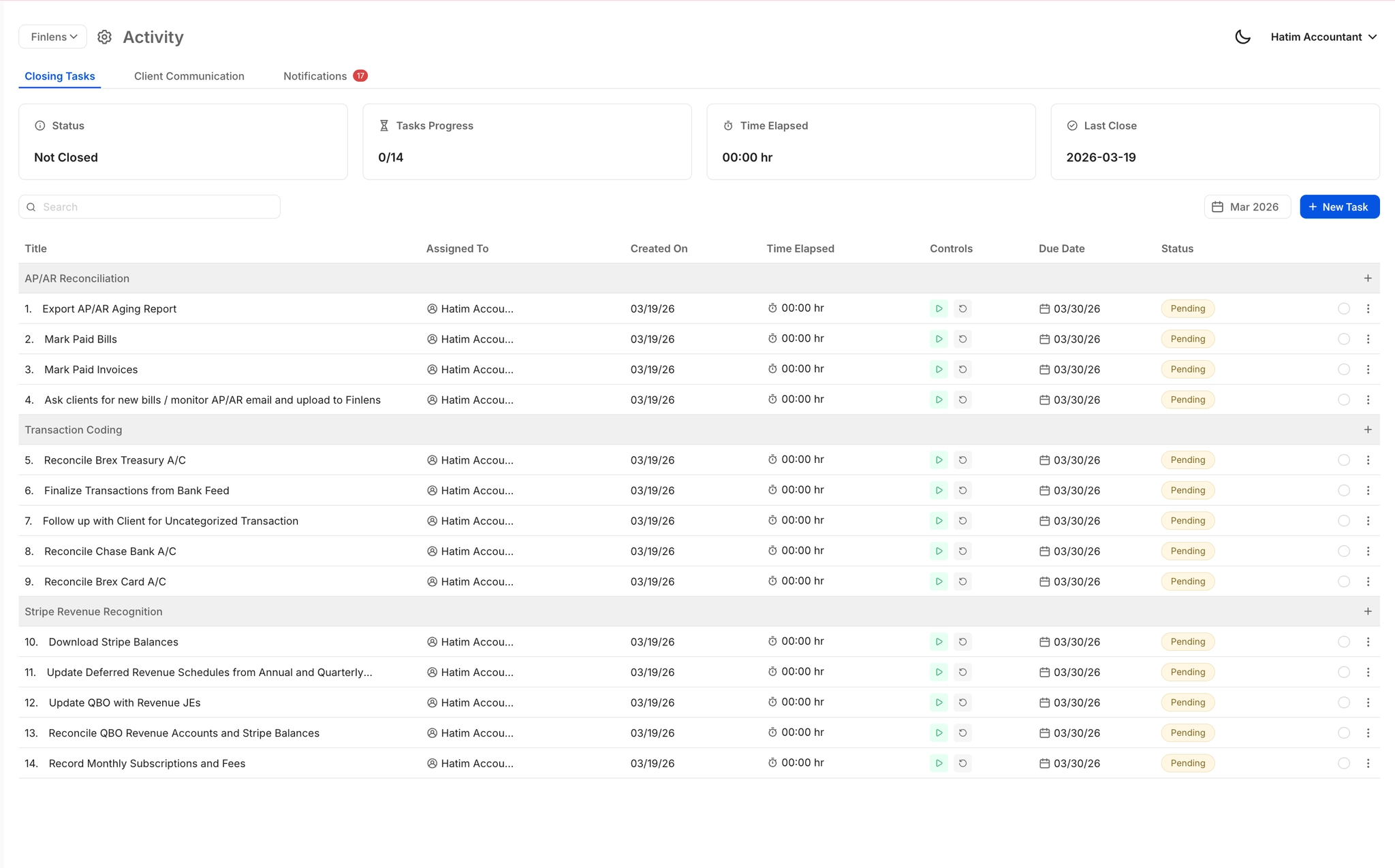
Finlens is only tool on this list that handles Stripe revenue recognition as part of a full accounting co-pilot built natively on QuickBooks. Where Rillet is a standalone revenue platform that syncs to QBO, Finlens lives inside QBO. Revenue and everything else run through same system.
When a Stripe payout hits your bank, Finlens reads payout and separates gross revenue from processing fees and refunds. Each goes to correct account in your chart of accounts. Annual subscription revenue is identified and broken into monthly deferred revenue entries. The journal entries write directly to QBO in real time. No sync dependency. No manual schedule building.
Beyond revenue, same system handles rest of your books. The AI categorizes non-revenue transactions by learning from your GL history. GAAP schedules for accruals, prepaids, and amortization generate automatically. Bank feeds reconcile in real time. Month-end close happens from one dashboard across all your clients if you're a CPA firm.
Capabilities:
- Stripe revenue recognition. Auto-separates gross revenue, Stripe fees, and refunds. Annual subscriptions split into monthly deferred entries automatically.
- AI transaction categorization. All transactions classified using GL logic and historical patterns. Firms report 80%+ reduction in bookkeeping time.
- GAAP schedule automation. Accruals, prepaids, and amortization generated per client without spreadsheets.
- Month-end close automation. Task management, progress tracking, and multi-client dashboard. Firms report 40 to 70% faster close times.
- Real-time two-way sync with QBO. No delayed imports, no batch processing.
For a detailed walkthrough of how deferred revenue automation works inside QuickBooks, this guide covers mechanics end to end.
QuickBooks support: QuickBooks Online, native two-way sync.
Sync frequency: Real-time.
Pricing: Free Starter plan (up to $50k/month in expenses). AI Accounting at $49/month for founders. CPA firms at $30/client/month.
2. Chargebee RevRec
Migration Friction: Low (if already on Chargebee) | Automation Depth: Revenue only | Pricing: Included with Chargebee
Best for: SaaS companies already using Chargebee for subscription billing that want revenue recognition built into their billing stack.
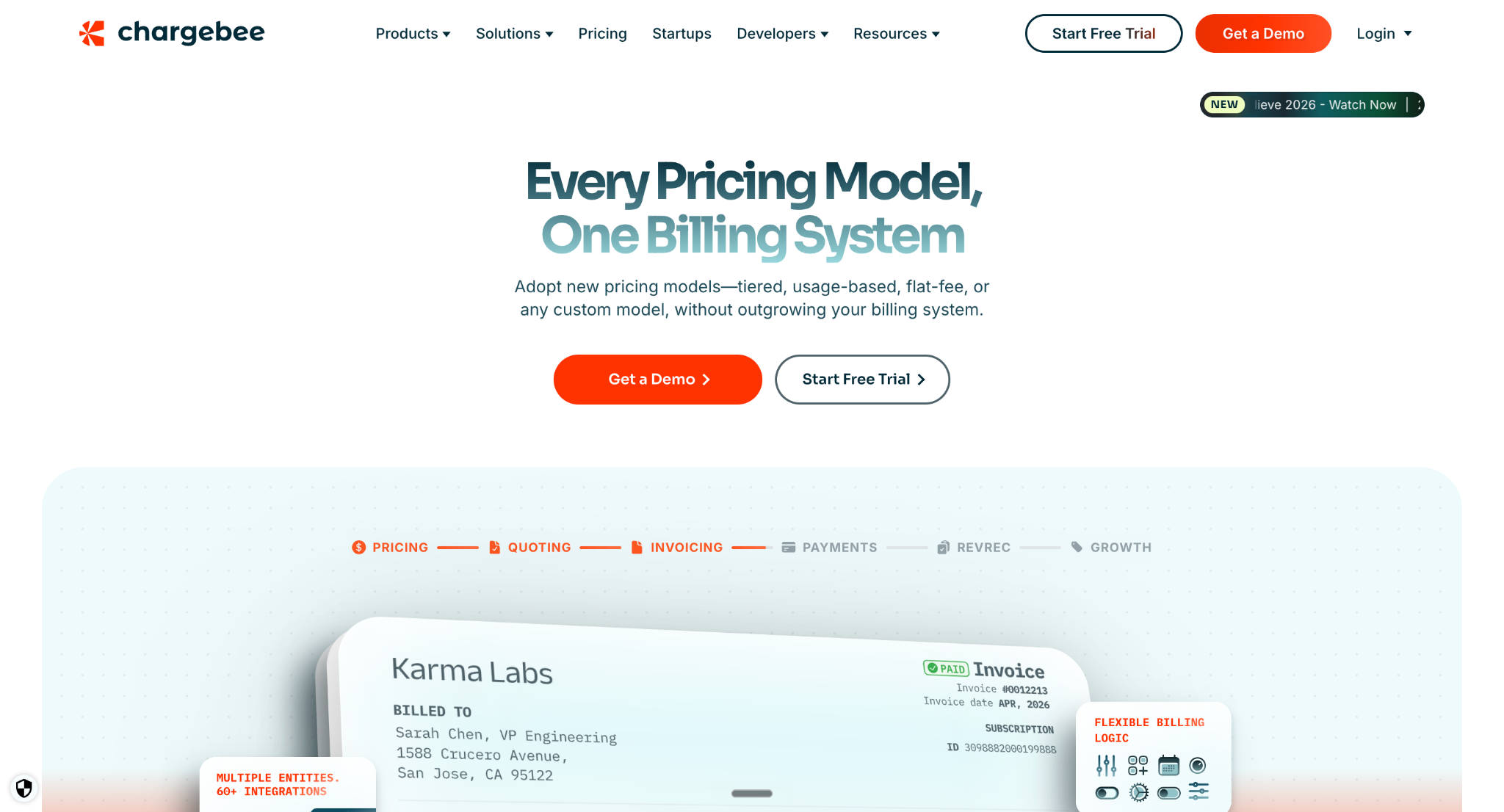
Chargebee RevRec is revenue recognition module that sits on top of Chargebee's subscription billing platform. If you're already managing your subscriptions, invoicing, and billing through Chargebee, RevRec adds ASC 606-compliant revenue schedules without requiring a separate tool.
When a subscription or contract enters system, RevRec identifies performance obligations, applies your recognition rules, and creates journal entries. It maintains a revenue subledger covering deferred revenue, recognized revenue, unbilled receivables, and contract costs. If a contract changes mid-term (usage increase, discount added, terms amended), RevRec updates schedule automatically.
The limitation is same as its strength: it's tied to Chargebee. If you use Stripe directly for billing or another billing platform, RevRec isn't available to you. And it doesn't handle anything outside revenue: no categorization, no reconciliation, no close management. Those workflows still need a separate tool.
Capabilities:
- ASC 606 and IFRS 15 compliance. Automated performance obligation identification and revenue allocation.
- Revenue subledger. Tracks deferred, recognized, and unbilled revenue in one view.
- Mid-contract modification handling. Schedules update automatically when contract terms change.
- Multiple recognition methods. Different products can use different recognition templates.
QuickBooks support: Integrates via export or third-party connector. Not a native QBO integration.
Sync frequency:Automated within Chargebee ecosystem.
Pricing: Included with Chargebee billing plans. See Chargebee pricing for current rates.
3. Maxio
Migration Friction: Medium | Automation Depth: Revenue and billing | Pricing: ~$5,000/year
Best for: B2B SaaS companies with complex subscription billing, usage metering, and CPQ workflows that need revenue recognition built into a full financial operations platform.
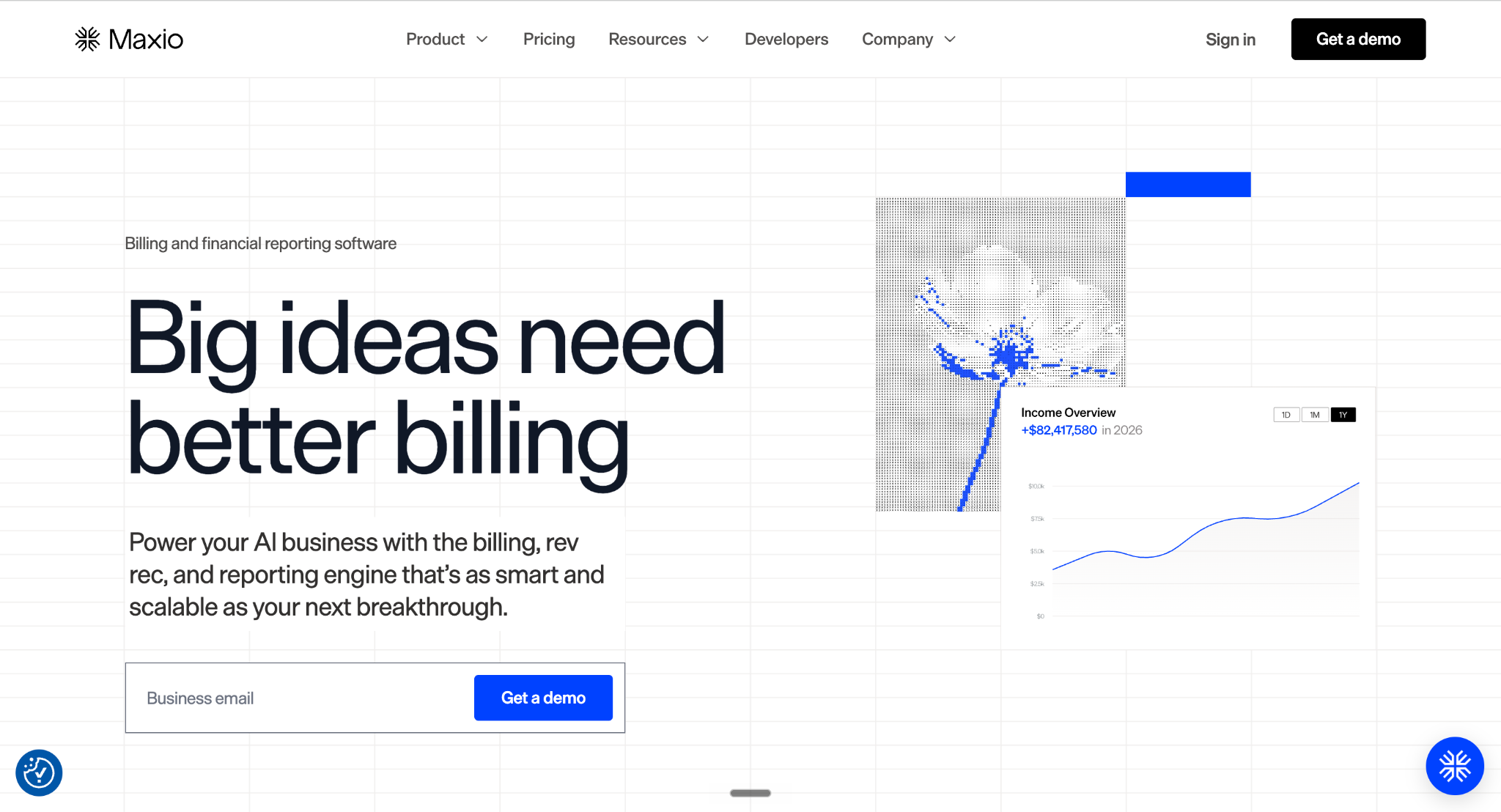
Maxio (formerly Chargify plus SaaSOptics) combines subscription management, billing, and finance into one platform built specifically for B2B SaaS. Its revenue recognition module applies configurable recognition rules across contracts, supports dual reporting, and handles standard ASC 606 scenarios including upgrades, multi-element arrangements, and subscription changes.
The platform goes beyond just rev rec. It includes CPQ (configure, price, quote), usage metering, and SaaS financial reporting (ARR, MRR, churn, LTV). For B2B SaaS companies that have outgrown simpler billing tools, Maxio consolidates workflows that would otherwise require three or four separate products.
The tradeoff is implementation speed. Maxio is a full-stack platform, and getting it configured correctly takes weeks, not days. Teams with simpler billing models (monthly and annual subscriptions, no usage component) may find it heavier than what they need.
Capabilities:
- Configurable ASC 606 recognition. Define recognition templates and standalone selling prices per your accounting policies.
- Usage metering. Built-in support for usage-based billing and recognition.
- SaaS metrics. ARR, MRR, churn, customer LTV, and retention reporting.
- CPQ and subscription management. Billing and revenue in one system.
QuickBooks support: Integrates with QBO via connector. Also supports NetSuite and Sage Intacct.
Implementation:Weeks to months depending on complexity.
Pricing: Starts around $5,000/year for early-stage plans. Enterprise pricing is custom. See Maxio pricing.
4. Zuora Revenue
Migration Friction: High | Automation Depth: Revenue only (deep) | Pricing: $50,000+/year
Best for: Enterprise SaaS companies with large contract volumes, global operations, and complex ASC 606 requirements that justify enterprise grade tooling.
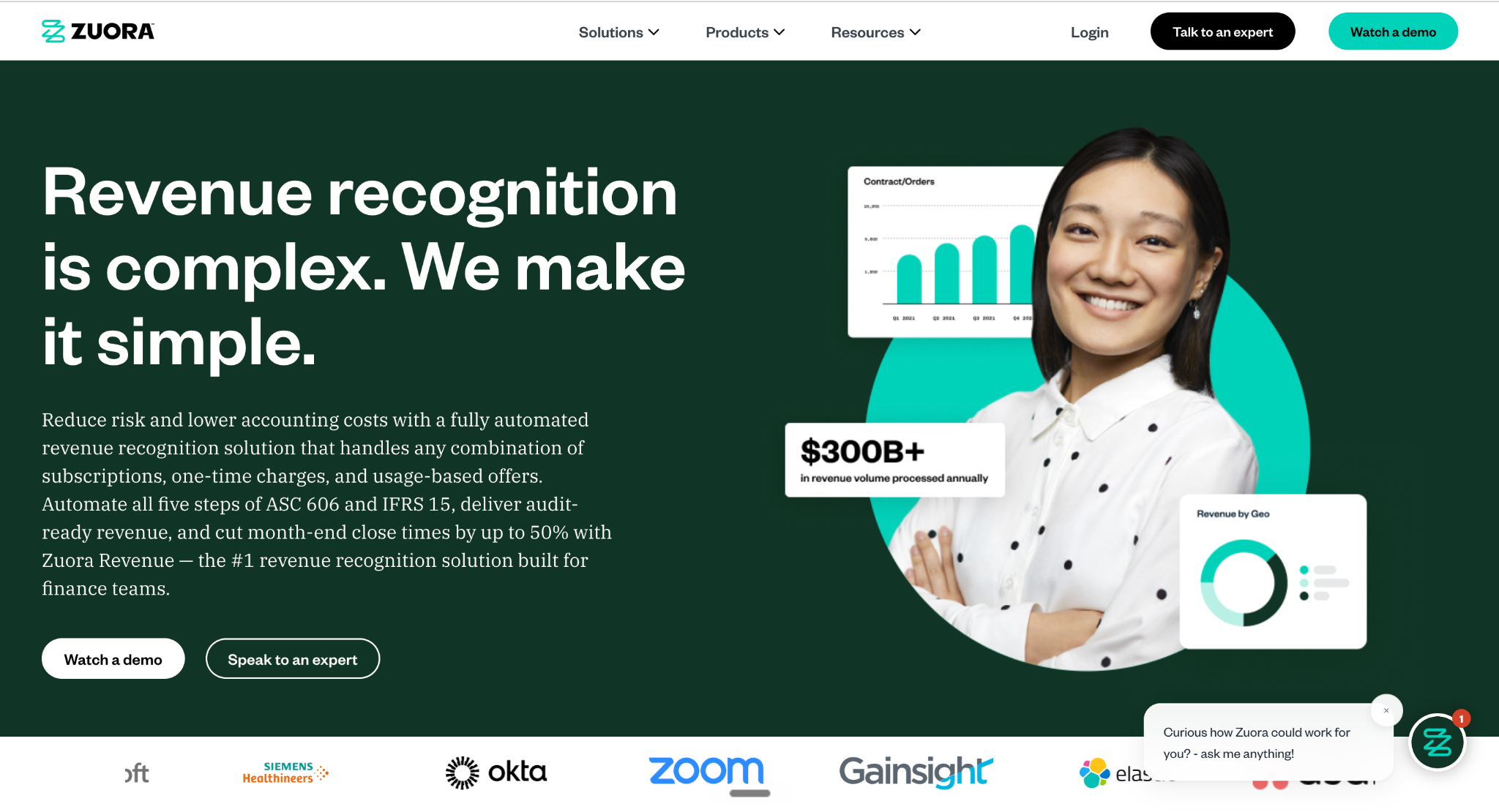
Zuora Revenue is enterprise end of SaaS revenue recognition market. It handles high-volume contract management, multi element arrangement allocation, variable consideration, and contract modification accounting at scale. For public companies or companies preparing for IPO that need auditor-grade revenue documentation, Zuora has depth.
The platform supports multiple revenue recognition methods and can handle edge cases that simpler tools can't: retrospective contract modifications, significant financing components, and standalone selling price allocation across complex bundles. It integrates with Salesforce CRM for contract data and pushes journal entries to your ERP.
The honest assessment: Zuora is expensive, heavy to implement, and designed for companies processing thousands of contracts. If you're a Series A startup with standard subscription billing, Zuora solves problems you don't have yet. One industry survey noted that average mid-market company spends $75k to $200k annually on accounting software at this tier.
Capabilities:
- Enterprise ASC 606 and IFRS 15. Full support for multi-element, variable consideration, and contract modifications.
- High-volume contract management. Built for thousands of contracts across global entities.
- Salesforce integration. Contract data syncs from CRM directly into revenue schedules.
- Audit-ready documentation. Detailed audit trails for every recognition decision.
QuickBooks support: Not designed for QBO. Integrates with enterprise ERPs (NetSuite, Sage Intacct, Oracle).
Implementation: Months. Requires dedicated project team.
Pricing: Custom enterprise pricing. Typically $50,000+ annually.
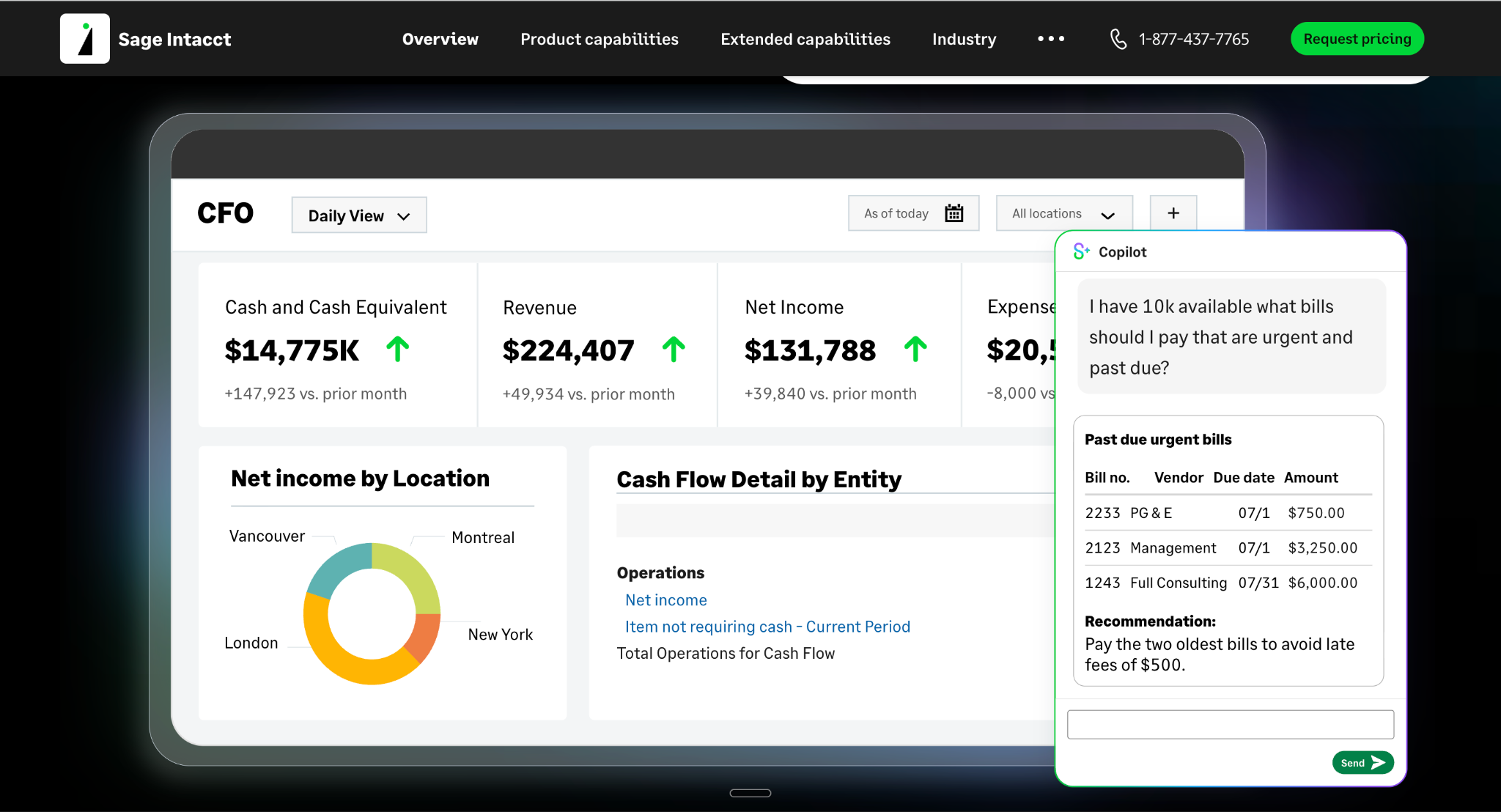
5. Sage Intacct
Migration Friction: High (replaces QBO) | Automation Depth: Full ERP | Pricing: ~$15,000/year
Best for: Mid-market companies outgrowing QuickBooks that need a full ERP with built-in revenue recognition, multi-entity support, and dimensional accounting.
Sage Intacct isn't a point solution for revenue recognition. It's a full cloud ERP that replaces QuickBooks entirely. If your company has reached point where QBO's limitations are causing real problems (multi-entity consolidation, departmental reporting, complex revenue recognition), Intacct is one of standard upgrade paths.
Its revenue recognition module supports ASC 606, handles deferred revenue schedules, and integrates directly with general ledger. Because everything runs in one system (AP, AR, billing, revenue, close), there's no sync dependency between a revenue tool and your GL. That's same problem that makes Rillet frustrating for QBO users, and Sage Intacct solves it by being GL.
The tradeoff is migration. Moving from QuickBooks to Sage Intacct is a real project: chart of accounts remapping, historical data migration, team retraining. Annual cost runs $15,000 to $35,000+ depending on modules. For companies ready for that jump, Intacct is a strong platform. For those who want to stay on QBO, it's not an option.
Capabilities:
- Built-in ASC 606 revenue recognition. Native to GL, no separate sync.
- Multi-entity consolidation. Manage subsidiaries, intercompany eliminations, and global operations.
- Dimensional accounting. Track revenue by department, project, location, or any custom dimension.
- 350+ marketplace integrations. Native connectors for CRM, billing, and operational tools.
QuickBooks support: Replaces QBO. Not an overlay.
Implementation: 4 to 12 weeks depending on complexity.
Pricing: Starts around $15,000/year. See Sage Intacct pricing.
6. Stripe Revenue Recognition
Migration Friction: Zero | Automation Depth: Reporting only | Pricing: $0.50/charge
Best for: Early-stage startups already on Stripe that want basic revenue recognition without adding a separate tool.
Stripe Revenue Recognition is a built-in feature that uses your existing Stripe transaction data to generate accrual-basis revenue reports compliant with ASC 606 and IFRS 15. If all your revenue flows through Stripe, it can automate recognition schedules without any integration work.
It handles basics well: spreading subscription revenue across service period, recognizing one-time charges at point of sale, and handling prorations from subscription changes. Reports show recognized revenue, deferred revenue, and revenue waterfall charts by period.
The limitation is that Stripe Revenue Recognition is a reporting tool, not an accounting tool. It generates revenue reports but doesn't create journal entries in QuickBooks. You still need to translate those reports into QBO entries manually or through a connector. It also doesn't handle non-Stripe revenue, expenses, categorization, or close management. For startups with simple billing and very early-stage accounting needs, it's a reasonable starting point. For anything beyond that, you'll need a separate tool for actual booking.

Capabilities:
- Automatic revenue spreading. Subscription revenue allocated across service periods.
- ASC 606 and IFRS 15 reports. Compliant revenue reports generated from transaction data.
- Proration handling. Subscription upgrades and downgrades reflected in schedules.
- Revenue waterfall. Visual breakdown of deferred vs recognized revenue by period.
QuickBooks support: No native QBO integration. Reports need manual or connector-based transfer. Sync frequency:Real-time within Stripe. Pricing: $0.50 per charge processed through Recognition feature. See Stripe pricing.

7. NetSuite
Migration Friction: High (replaces QBO) | Automation Depth: Full ERP | Pricing: ~$25,000/year
Best for: Enterprise and pre-IPO SaaS companies that need full ERP capabilities with built-in ASC 606 revenue recognition, multi-entity consolidation, and project accounting.
NetSuite is full enterprise ERP option. It replaces QuickBooks entirely and handles finance, CRM, inventory, operations, and revenue recognition in one system. 61% of technology companies that have gone through IPO since 2011 used NetSuite, which gives you a sense of buyer profile.
Its revenue recognition module handles multi-element arrangements with standalone selling price allocation, manages contract modifications with both prospective and retrospective treatment, and supports usage-based and milestone-based recognition. For SaaS companies bundling software with implementation services and ongoing support, NetSuite has configurability that auditors expect.
The honest assessment: NetSuite is overkill for most SaaS startups before Series B. Annual cost starts around $25,000 and scales well above that. Implementation takes months. You need a consultant or implementation partner. But if you're heading toward IPO or your revenue complexity has genuinely outgrown point solutions, NetSuite is platform most commonly chosen at that stage.

Capabilities:
- Full ASC 606 and IFRS 15 support. Multi-element allocation, variable consideration, contract modifications.
- Multi-entity consolidation. Subsidiaries, intercompany eliminations, multi-currency.
- Project accounting. Professional services revenue tracked alongside SaaS subscriptions.
- 700+ marketplace integrations. Largest integration ecosystem in ERP category.
QuickBooks support: Replaces QBO. Migration required.
Implementation: 3 to 6 months with an implementation partner.
Pricing: Starts around $25,000/year. See NetSuite pricing.
Which Rillet alternative is right for you?
SaaS startup on Stripe and QBO that wants revenue recognition inside existing workflow? Finlens.
Already on Chargebee for billing and want rev rec built in? Chargebee RevRec.
B2B SaaS with complex billing, usage metering, and CPQ needs? Maxio.
Enterprise with thousands of contracts and global operations? Zuora Revenue.
Outgrowing QBO and ready to migrate to a full ERP? Sage Intacct or NetSuite.
Just need basic revenue reports from your Stripe data without adding a tool? Stripe Revenue Recognition.
For a breakdown of how ASC 606 automation works across tools at different complexity levels, this comparison covers full range.
For Stripe payout reconciliation specifically, this roundup of reconciliation tools covers how each option handles net payout problem.

FAQ
1. What is best Rillet alternative for startups on QuickBooks?
Finlens. It handles Stripe revenue recognition, deferred revenue, AI categorization, and close automation natively inside QBO. Free to start, no migration needed.
2. Does Rillet integrate with QuickBooks?
Yes, but as a separate system. Rillet syncs journal entries to QBO. Revenue lives in Rillet, everything else stays in QBO, and you maintain sync monthly.
3. Can Stripe handle revenue recognition on its own?
Partially. Stripe Revenue Recognition generates ASC 606 reports from your transaction data, but it doesn't create journal entries in QuickBooks. You still need to book entries manually or through another tool.
4. When does a SaaS company need an enterprise tool like NetSuite or Zuora?
When your contracts involve multi-element arrangements, variable consideration, or you're preparing for IPO. Most SaaS companies before Series B don't need enterprise-grade rev rec tooling.
5. Is there a free Rillet alternative?
Yes. Finlens is free for founders with up to $50k in monthly expenses. Stripe Revenue Recognition charges $0.50 per charge. Both are viable starting points depending on whether you need just reporting or full automation inside QBO.

